Why Sticky Note Clutter Happens
Sticky notes are everywhere for a reason—they’re quick, convenient, and easy to stick wherever you need a reminder. But it doesn’t take much before your desk, monitor, or wall is covered in a patchwork of multicolored squares, each hinting at an important task…but not doing much to keep your actual work organized.
The main reasons sticky notes pile up:
- Too many notes at once. It’s easy to jot things down, but hard to keep them all useful.
- Random placement. Notes get stuck everywhere—desktops, doors, mirrors—until you stop noticing them.
- Lack of structure. There’s no built-in system to prioritize, track, or sort your notes.
- Vague reminders. Notes like “Call Lisa” or “Fix this” lose meaning after a few hours or days.
- Old notes that never get removed. Eventually, you tune them out—they blend into the background.
Many people start with good intentions but end up overwhelmed, losing track of things, or missing important reminders entirely.
Step 2: Review and Sort Your Notes
Go through each note and ask yourself:
- Is this still relevant?
- Does it make sense to me now?
- Is it a quick task, ongoing project, or just info I want to keep?
Sort your notes into a few clear categories, such as:
- **To Do (urgent or soon)
- Ongoing Projects
- Reference (info to keep, not act on)
- Someday/Maybe (future ideas, inspiration)**
Recycle or toss anything that’s irrelevant, outdated, or unclear.
Step 3: Choose a System That Fits You
The right system depends on your work style and preferences. Consider these practical options to keep sticky notes in check:
A. Paper-Based Organization
1. Dedicated Bulletin Board or Whiteboard
Stick all active notes on one board or section of a wall. Group them by category (To Do, In Progress, Done). This keeps important items in view but limits total clutter. Move or remove notes as you complete tasks.
2. Notebooks or Binders
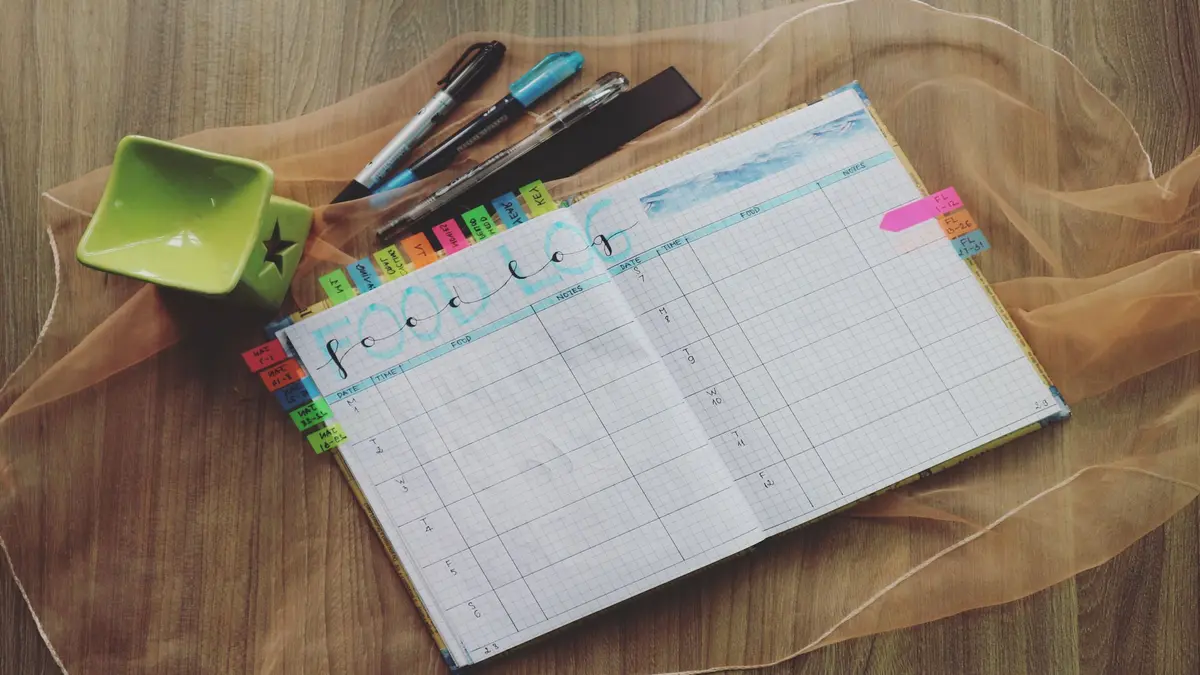
Tape or stick notes into a notebook or three-ring binder. Use tabs or dividers for sections (tasks, ideas, reference). For lots of tiny notes, tape them to sheets of paper and use page protectors. This approach lets you flip through your notes easily and keeps them from getting lost or damaged.
3. Sort by Color or Size
Assign different colors to different types of information (e.g., yellow = tasks, pink = follow-ups, blue = phone numbers). Keep notes organized visually on your board or in your notebook.
4. Limit the Number
Set a maximum number for visible notes. For example, only allow 10 sticky notes on your board at once—everything else goes in your notebook or gets recategorized.
B. Digital Options
If you’re tired of paper clutter, or need your notes accessible from different locations:
1. Sticky Note Apps
- Windows Sticky Notes or Apple Notes: Great for quick tasks and reminders.
- Google Keep: Categorize, color-code, and archive old notes. Search is fast and you can sync across devices.
- Other apps (Notion, OneNote, Evernote): Use for more robust, structured note-taking. You can move your sticky note reminders into these tools and create to-do lists, checklists, and reference sections.
2. Take Photos of Paper Notes
Scan or photograph important sticky notes and save them into a digital organizer. Many note-taking apps allow you to add images directly to the right category or folder.
3. Use a Kanban or Task Board App
Digital task boards (like Trello, Jira, or Asana) let you organize tasks visually with digital “cards” that mimic sticky notes. You can drag notes between columns (To Do, Doing, Done) and set reminders and deadlines.
C. Hybrid Approach
Some people like writing by hand but want less paper mess. You can:
- Use sticky notes for temporary, urgent reminders only.
- Transfer anything you need to keep to a notebook or app at the end of the day or week.
- Schedule a regular “sticky note review” to prevent build-up.
Step 4: Make Your Notes More Useful
Sticky notes aren’t very helpful if they’re vague or scattered. Tips for making stickies actually work:
- Be specific. Include enough info (e.g., “Call Lisa about 3pm Wednesday Zoom link” instead of just “Call Lisa”).
- Keep it short and visible. Use clear keywords or bullet points, not long sentences.
- Set actions and deadlines when possible. (e.g., “Email draft before Friday noon”).
- Move completed notes out of sight—to a Done section, the trash, or your archive.
- Do a weekly review to update, remove, or transfer notes so nothing slips through the cracks.
Step 5: Prevent Future Sticky Note Overload
Once your sticky notes are under control, stay ahead of the clutter:
- Set a physical limit: Only allow sticky notes on your monitor, whiteboard, or notebook—never random places. When the space is full, review and remove before adding more.
- Assign a purpose: Use sticky notes ONLY for what they’re good at—quick, immediate reminders, temporary ideas, or things meant to be moved soon. Bigger tasks get a page in your planner or digital tool.
- Review regularly: Calendar a “sticky note cleanup” every Friday or whenever things start piling up.
- Transition important details: As soon as a sticky note becomes reference material, a long-term task, or something worth tracking, move it into your main system and remove the paper version.
Alternatives to Sticky Notes for Frequent Note-Takers
If you find yourself constantly buried under sticky notes, you might want a more structured method. Consider:
- Desk Pads or To-Do Notepads: These combine the convenience of sticky notes with organized pages, better for tracking daily or weekly tasks.
- Reusable Whiteboards: Mini whiteboards on your desk let you jot quick reminders and erase them without waste.
- Customizable Digital Dashboards: Digital apps can be set up with checklists, reminders, and categories, reducing the need for transient paper notes.
- Notebooks or Journals: For those who prefer analog, dedicating a small ring-bound notebook for “quick capture” lets you keep track and review notes without scattering them everywhere.
Real Experiences: What Works for Different People
People who love paper sometimes struggle to move away from sticky notes. Some paper fans tape their sticky notes into a binder or notebook, using dividers or page protectors for different projects or categories. Others transfer important notes into structured lists at the end of the day and throw the stickies away.
Those who prefer digital tools find that moving to apps like Google Keep, Trello, or even scanning notes with their phone cuts down on lost reminders and makes old info easier to search. Hybrid users rely on a physical whiteboard or notepad for the day’s most urgent tasks, but transfer anything important or long-term to a more permanent digital or paper tracker.
The most important thing: choose a system you actually like and will use. Don’t force yourself to go fully digital (or fully paper) if it doesn’t fit your habits.
Quick Reference Table: Organizing Sticky Notes
| Problem | Action Step | Tools / Examples |
|---|---|---|
| Too many random stickies | Collect and sort all notes | Tray, box, desk surface |
| Important notes lost | Centralize in one board/notebook | Bulletin board, 3-ring binder |
| Cluttered workspace | Limit to a set number and location | Desktop or whiteboard only |
| Forgetting to follow up | Set deadlines/review schedule | Weekly review, calendar alarm |
| Need better access | Transfer to digital or structured | Sticky note app, Google Doc |
Summary
Sticky notes are a handy tool, but only when used with a clear system. Whether you’re a paper person, digital fan, or somewhere in between, the key steps are:
- Gather and sort all your notes
- Choose a single system or hybrid that fits your style
- Make your notes specific and actionable
- Limit and review them regularly
- Transition information into more structured storage as needed
With a little effort, you can keep your reminders visible, your priorities clear, and your workspace much more organized.