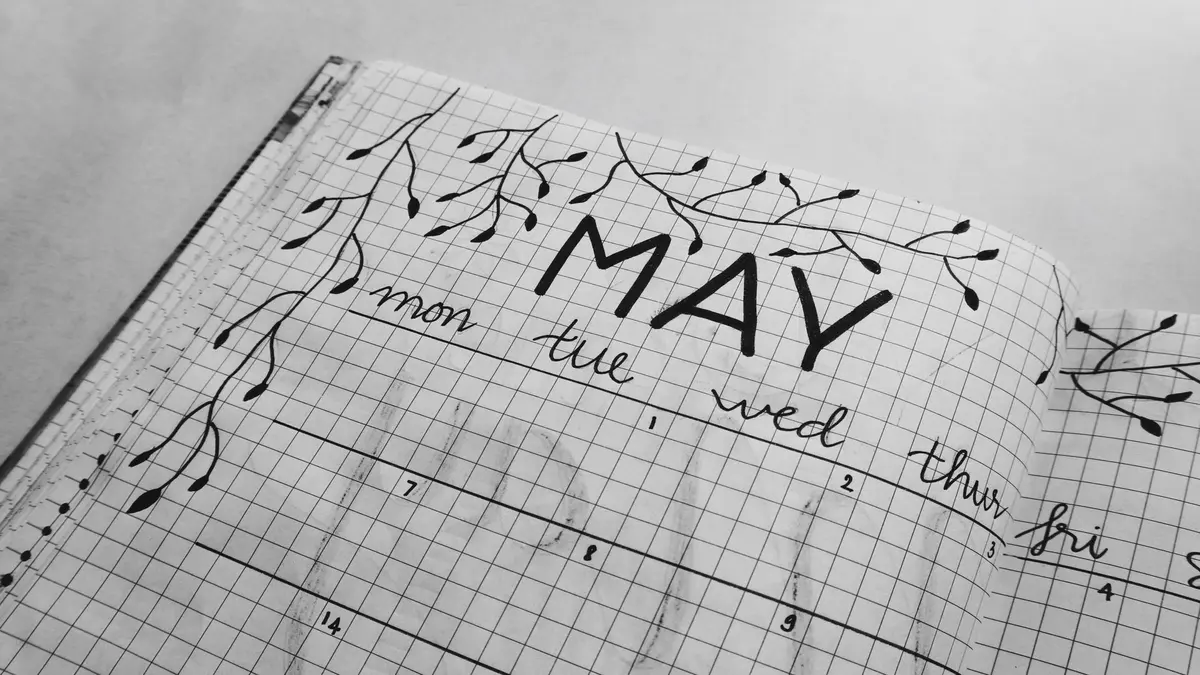
Why Color Coding Matters in Planners and Notebooks
When you flip open your planner and everything blends together, it’s easy to miss deadlines, lose track of priorities, or just feel scattered. Using color to separate your plans—by category, urgency, person, or time—makes it much easier to see what’s happening at a glance. But for most people, the main challenge isn’t starting; it’s finding a system that’s clear, easy to keep up, and doesn’t add extra work you’ll abandon after a few weeks.
Color coding works best when it saves you effort over time, not when it looks nice for one day but complicates every page. Here’s a look at practical color coding systems, what actually makes them stick, and common pitfalls.
How to Assign Colors Without Overthinking
Picking colors sounds simple, but overanalyzing it can freeze your progress. Here’s what helps:
1. Start with what you have. Don’t buy a full rainbow unless you genuinely need that many categories. Many popular pens, like the Papermate Inkjoy or Zebra Mildliner, come in 5–10 colors that are easy to tell apart. Highlighters can serve as overlays.
2. Use consistent, logical pairings. For example, use green for anything health/wellness or home (often associated with growth or peace), blue for work (most people already use blue pens at work), red for urgent (stop/alert), and so on. What matters is that the associations make sense to you.
3. Make a Color Key. This doesn’t need to be fancy—a sticky note in the front of your planner or a small index card does the trick. Some people use a strip of washi tape at the front page with labeled colors, or put a mini key in the corner of every monthly spread. Having the code handy means you won’t forget or second-guess your system.
4. Revise as you go. If one color causes confusion or you almost never use a certain category, change it. The best systems are built over time, not just planned out on day one.
Practical Tools and Supplies: More Than Just Pens
You don’t need drawers full of stationery to color code well, but a few helpful tools can make it easier to stick with your system:
- Pens and Highlighters: Basic sets from major brands (Papermate Inkjoy, Zebra Mildliner, Staedtler Triplus) are popular for their clear colors and smooth writing.
- Stickers or Dot Labels: Removable sticky dots work if you don’t want to commit to colored ink. Great for planners where plans change often.
- Washi Tape: Useful for marking page edges or sections—not just color coding tasks, but also quickly identifying recurring themes or routines.
- Sticky Notes: Good for temporary plans or if you want to move tasks from page to page.
Some users prefer to write everything in regular ink and only use colored highlighters or stickers as overlays—this is easier to change if plans move.
Setting Up Your Color Code: A Step-by-Step Example
List what you track. Jot down the main areas or types of events/tasks you want to separate (e.g. Work, Family, Health, Deadlines, Social).
Combine or limit categories. If your list is longer than 5–6, try grouping similar ones (e.g. combine all family members into one color, or all home chores into another).
Choose your colors. Grab the colored pens or markers you have, choose a distinct set, and assign each one.
Make a visible key. Attach it somewhere you’ll see it every time you open your planner.
Try it for one week. Don’t aim for perfection. Notice what feels intuitive and what doesn’t. Adjust as needed.
Realistic Tips for Keeping It Up
Don’t color code every word. Use color on headers, margins, or checkboxes—not full sentences—if you’re short on time or easily overwhelmed by visual clutter.
Work in batches. Add colors while planning your week, or highlight yesterday’s finished tasks as you review. It doesn’t have to be done live.
Be flexible. If you’re in a rush, skip color for that day—your system is supposed to help, not create guilt or extra work.
Periodically update your key. Major life changes (new job, moving, kids starting school) are a good time to rethink your colors.
What Can Go Wrong (and How to Fix It)
1. Too Many Colors = Chaos If you find yourself hunting for the right pen every few minutes or forgetting what color means what, you probably have too many categories. Go back and combine or drop some.
2. Forgetting the Code If you never look at the color key, colors will lose their meaning. Keep the key in your planner, or use an index you glance at every week.
3. Visual Clutter Color overload makes a page harder to scan. If your system looks more confusing than helpful, try using color only for the most important info (like deadlines, meetings, or due dates) and leave the rest in black.
4. Sticking with a System That No Longer Works If your life changes and your categories don’t fit, don’t force yourself to keep using the old scheme. This can actually reduce organization and make planning feel like a chore.
5. Worrying Too Much About Neatness Your system doesn’t need to be Instagram-perfect. Messy color coding that makes sense is better than a pretty spread you abandon after a week.
How Real Users Make Color Coding Stick
The most sustainable systems share a few things in common:
- They’re simple—4–5 colors, max.
- The color key is always close by. (Sticky note, bookmark, inside cover)
- They’re open to change. Users often tweak their scheme over time, especially after big life shifts.
- They pick tools that match their lifestyle. Some like all-in-one pens, others stick to a few favorite highlighters, some rely on sticky dots.
If you find yourself resisting color coding because it feels like extra work, scale back. Try adding color only to the most important category or time block first, and see if it actually makes your page less stressful.
Final Note: It’s About Finding What Actually Helps You
Color coding is supposed to make your planner easier to use, not just prettier. If your first system doesn’t last, don’t give up—just try something simpler or different. Over time, you’ll settle into a routine that matches how your brain works and what your days actually look like.